

As more prospects search and hire from their phones, contractor websites must be built mobile-first. Designing for mobile first means crafting a fast, easy-to-use experience on small screens, then scaling up for desktop. That approach improves accessibility, simplifies navigation, and speeds up load times — all critical for keeping visitors engaged and converting leads. Below we walk through practical mobile-first techniques, why they matter for contractors, and how to turn mobile performance into more leads.
Adopting a mobile-first mindset requires a few core practices that directly improve usability and performance.
These basics create a solid foundation for a mobile-first site that helps contractors look professional and capture more leads online.
Mobile-first design places the mobile user experience at the center of planning and builds up from there. For contractor sites, that means presenting contact options, services, and project examples in a way that’s fast, scannable, and easy to act on from a phone. Because most local searches and referral visits happen on mobile, mobile-first sites drive higher engagement and better conversion rates.
Mobile-first improves accessibility by streamlining navigation and prioritizing high-value actions for touch users. Optimized images and simplified layouts cut load times, which reduces bounce rates and keeps visitors on the page. Search engines also favor mobile-friendly sites, so these changes help SEO too. At Goliath Ads, we see mobile-first design as a direct path to better lead generation: faster, clearer mobile experiences convert more visitors into calls and requests.
When you prioritize mobile users, you remove friction — faster pages, clearer calls-to-action, and simpler navigation all increase engagement. That leads to longer sessions, more inquiries, and stronger word-of-mouth referrals from satisfied visitors.
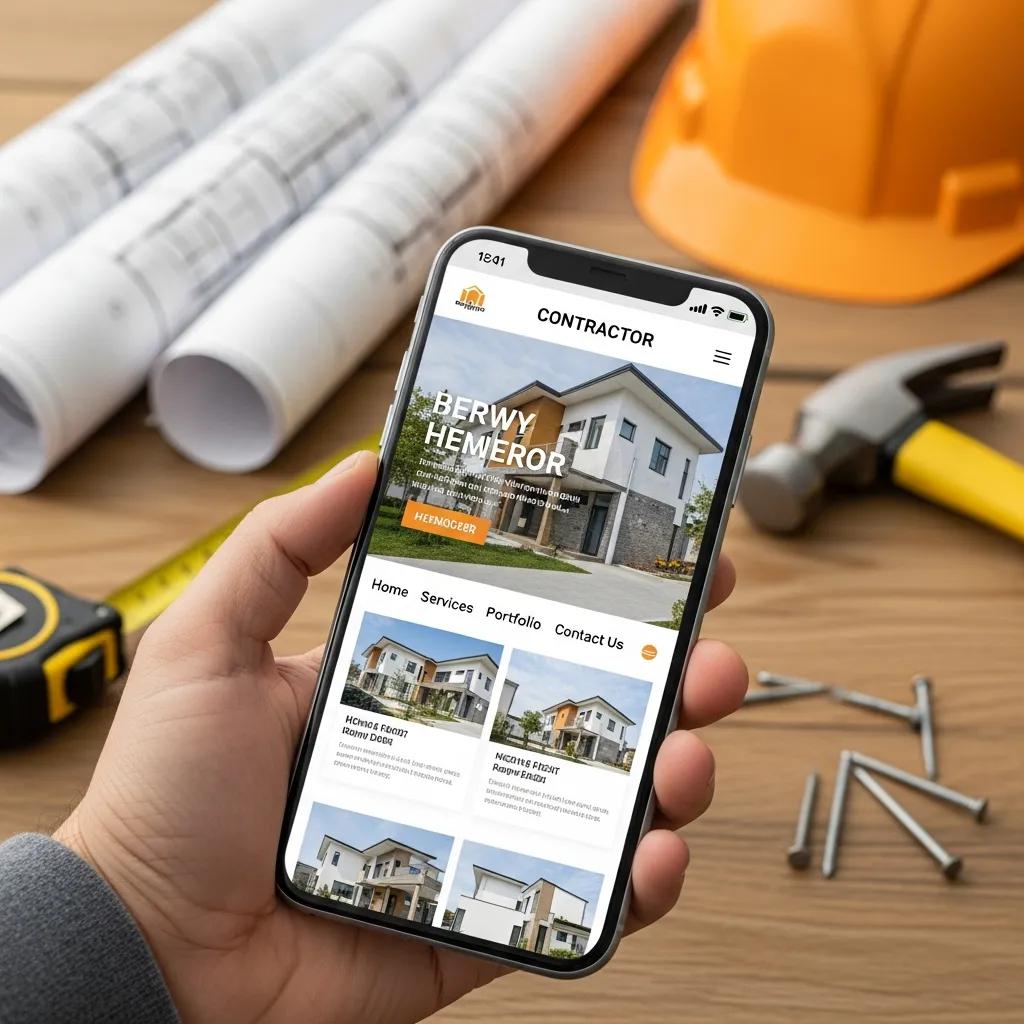
Effective mobile sites use responsive development patterns and UI choices that prioritize clarity, speed, and action. Below are the practical techniques that make mobile experiences work.
Put simply: design around the interface and experience first — that’s the backbone of modern responsive development.
Responsive Website Design: Prioritizing UI/UX
A responsive website is built with UI and UX as the primary focus. Web development often involves multiple specialists working together to deliver a site that is both functional and user-friendly.
Modern responsive and informative corporate website, 2020
Frameworks like Bootstrap and Foundation offer grid systems and prebuilt components that speed development and ensure consistent responsive behavior. Using proven frameworks or component libraries helps teams deliver reliable, accessible layouts without recreating common patterns from scratch.
Good mobile navigation is easy to test and iterate. Prioritize large touch targets, limit menu depth, and emphasize the most common actions (call, estimate request, portfolio). Run usability checks and gather feedback from real users to refine the flow so it feels natural on a phone.
Optimizing for mobile performance means focusing on speed, clarity, and reliability. Small improvements — compressed images, fewer blocking scripts, lean CSS — compound into noticeably better experiences and higher conversion rates.
A high-performing mobile site directly affects bounce rates, session length, and ultimately the number of leads a business receives.
Mobile Web Performance: Optimizing UX, Load Times & Conversions
Mobile devices are now the primary entry point for many users. Fast, reliable mobile sites improve user satisfaction and reduce abandonment. Mobile performance affects metrics like bounce rate, average session length, conversion rate, and user retention — all of which matter to an organization’s digital results.
Mobile web performance optimization, SK Shivakumar, 2020
To reduce load times on mobile, apply these techniques:
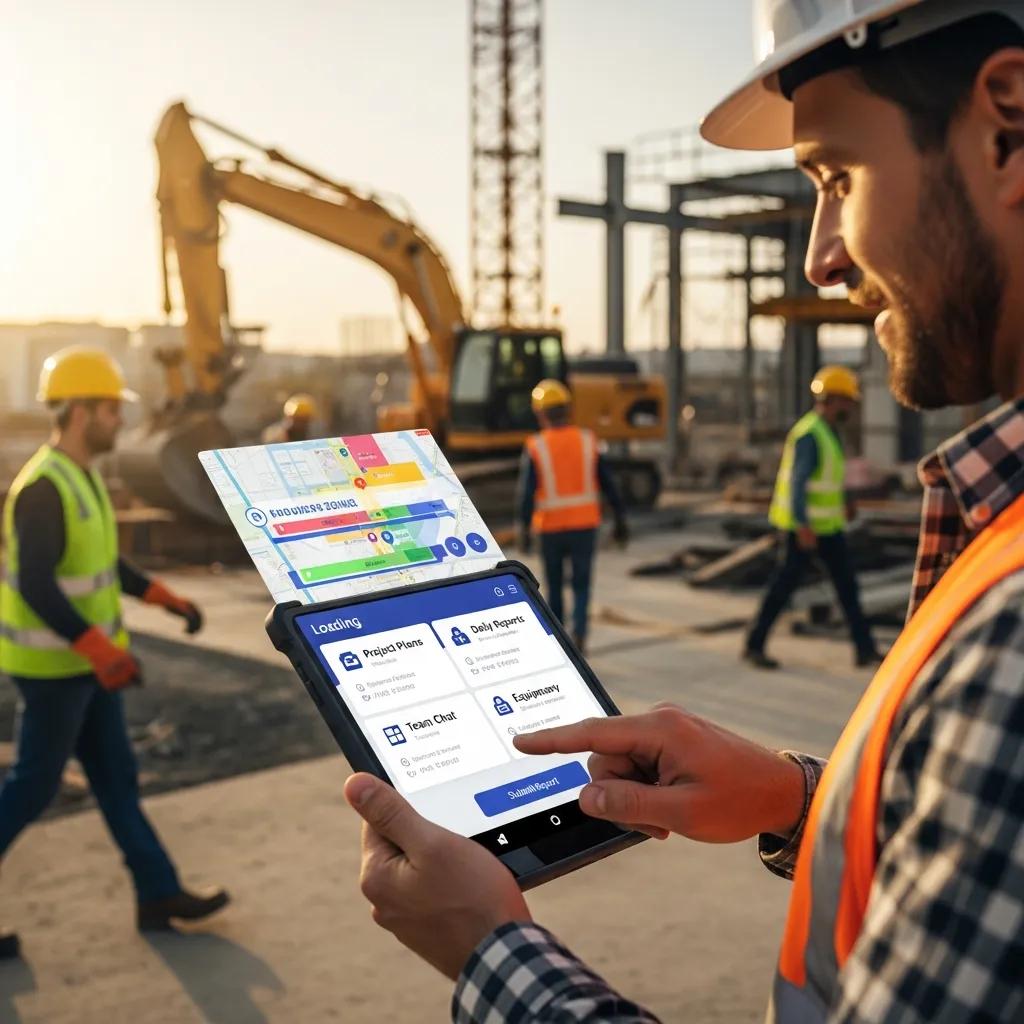
Contractor sites should prioritize quick access to the actions that matter: call, request an estimate, view recent projects. Keep layouts uncluttered, use readable type sizes, and present project images that load quickly. These choices help prospects make decisions faster and increase the chance they’ll reach out.
Mobile-first improvements translate directly into more leads when they remove friction and make contacting you effortless.
To improve visibility on mobile search, focus on local SEO, use clear service and location keywords, and ensure pages are indexed and fast. Structured data for local business details and review snippets also helps search engines present your business to nearby prospects.
Progressive Web Apps (PWAs) blend the speed and reliability of apps with the reach of the web. For contractors, PWAs can offer offline access to portfolios, faster repeat visits, and a native-like experience without requiring users to install an app — improving retention and repeat engagement that lead to more inquiries.